Recent
Taken within the last 6 months and showing the applicant’s current appearance.
Passport photo preparation for expedited passport services.


Photo requirements at a glance
Use the correct format for the application and inspect the image before it is printed or uploaded.
Taken within the last 6 months and showing the applicant’s current appearance.
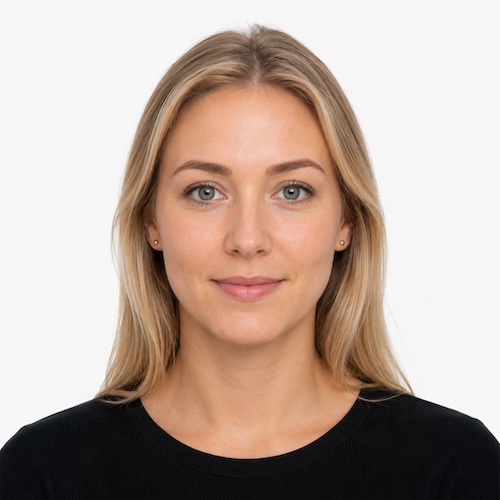
Sharp, evenly lit, and free from filters, red-eye, blur, or heavy retouching.
White or off-white with no pattern, visible corner, or distracting shadow.
Face the camera directly with a neutral expression or natural smile and no glasses.
Used with paper applications such as new adult, child, and eligible mail-renewal filings. Print on photo-quality paper without bending or attaching it incorrectly.
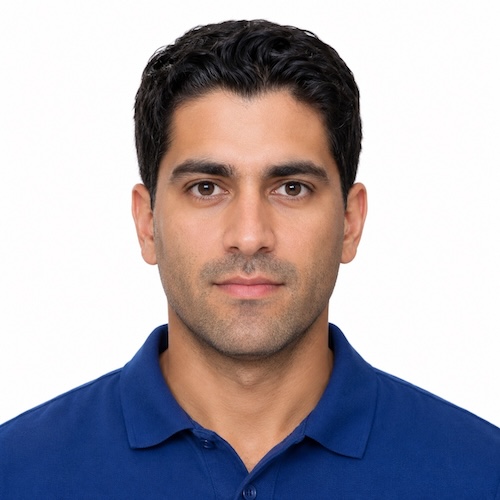
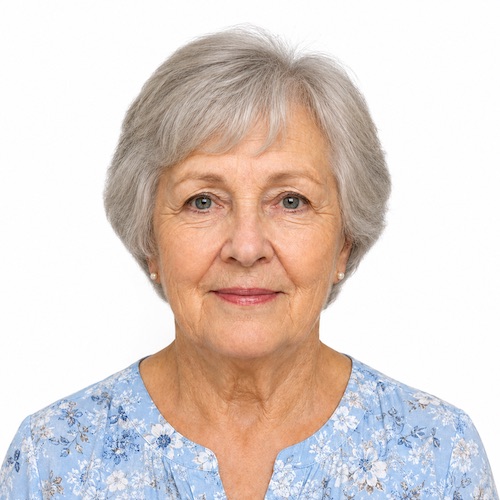
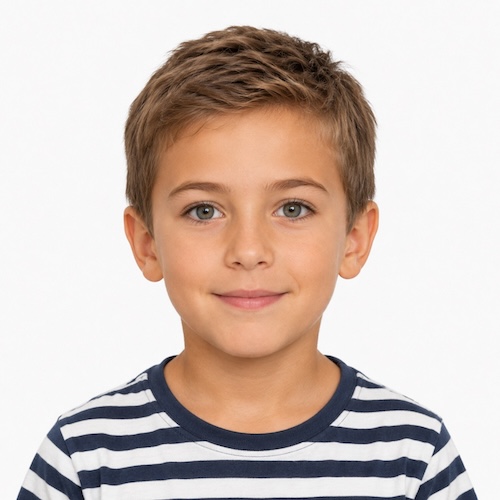
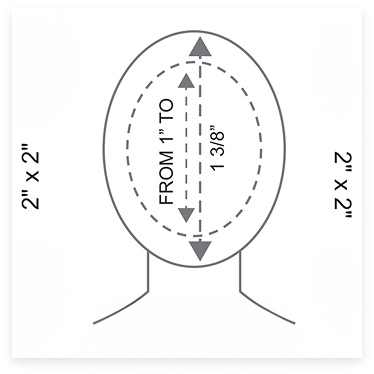

Photo Preparation
Small framing, lighting, and appearance problems can hold an otherwise complete application.
Keep the full head visible with the face centered and enough white space above the hair.
Look directly at the camera without tilting or turning the head.
Use even light across the face and background without glare or strong shadows.
Use a neutral expression or natural smile with both eyes open.
Wear normal daily clothing and avoid uniforms or camouflage.
Remove glasses and avoid items that obscure the face or hairline.
Avoid Preventable Delays
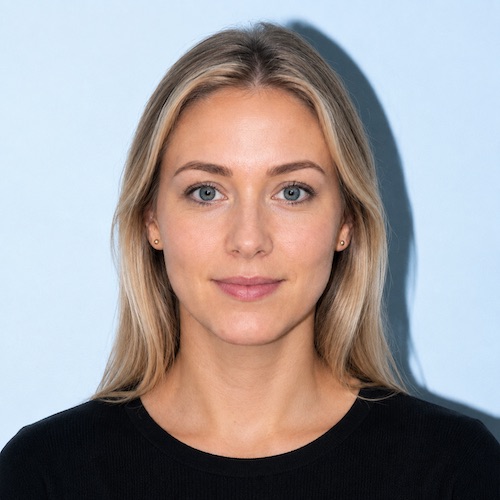
Patterns, visible corners, shadows, and non-white backgrounds can make a photo unusable.
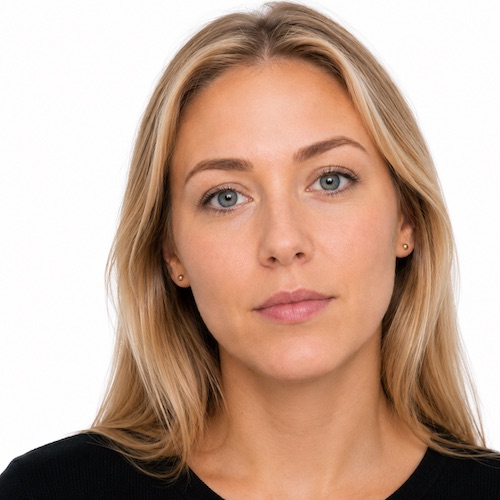
The head size, face position, and image dimensions must match the selected filing format.
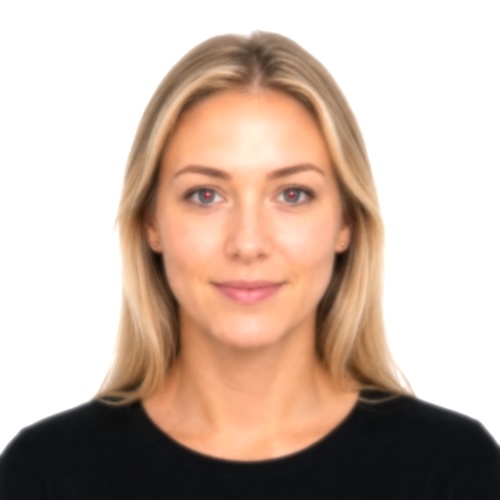
Dark faces, glare, blur, red-eye, and strong shadows can trigger a retake.
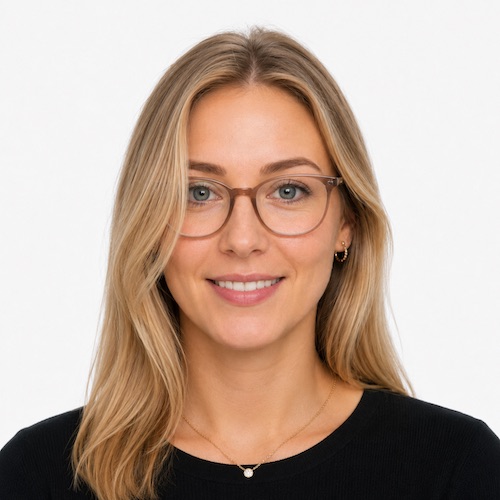
Glasses, filters, heavy retouching, or distracting accessories can cause a rejection.
It's the most common mistake we see. And the easiest one to avoid.
Wrong background, wrong size and wrong expressions may appear small errors but lead to big delays. Take your photo seriously, and if anything looks off, don't guess. Reach out and we'll confirm it before it holds up your application.
Special photo situations
The face still needs to remain visible and recognizable even when special circumstances apply.
Photograph the child alone against a plain background. No supporting hands or other people should appear, and requirements allow limited flexibility for an infant’s expression.
A signed statement may be required. The covering cannot cast shadows or obscure the full face from the bottom of the chin to the top of the forehead.
A rare medical exception for glasses requires a signed statement from a medical professional. Avoid glare and keep the eyes clearly visible.
Review the most common planning questions. Give us a call for any additional questions you may have! +1 800 209-4565
In-person and mail applications require a compliant printed 2 × 2 inch passport photo. Apply Online to confirm the requirements for your application.
A busy or shadowed background, incorrect crop or sizing, and poor lighting cause most rejections. Review the requirements above before using your photo.
Glasses are not accepted except for a rare documented medical exception. A religious head covering is allowed if it does not cast a shadow or obscure the face from the chin to the top of the forehead.
Bring your photo to your appointment, or take it in advance at a local pharmacy or retail photo counter such as Walgreens or CVS. Confirm the format matches the requirements above before your visit.
Current pricing appears after you select your application through Apply Online. You may also call before scheduling an appointment.
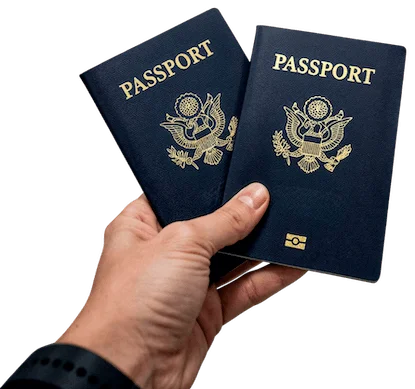
Passport Expediting Service is Fast, Easy, & Secure